3D trailer configurator · for groupage

Will it fit?
See it before the truck arrives.

Add your clients' pallets to a 3D trailer and watch the load take shape. Loading metres, floor usage and weight update with every pallet, and the optimizer packs mixed groupage tighter.

No install. No sign-up. English, Russian, Polish.

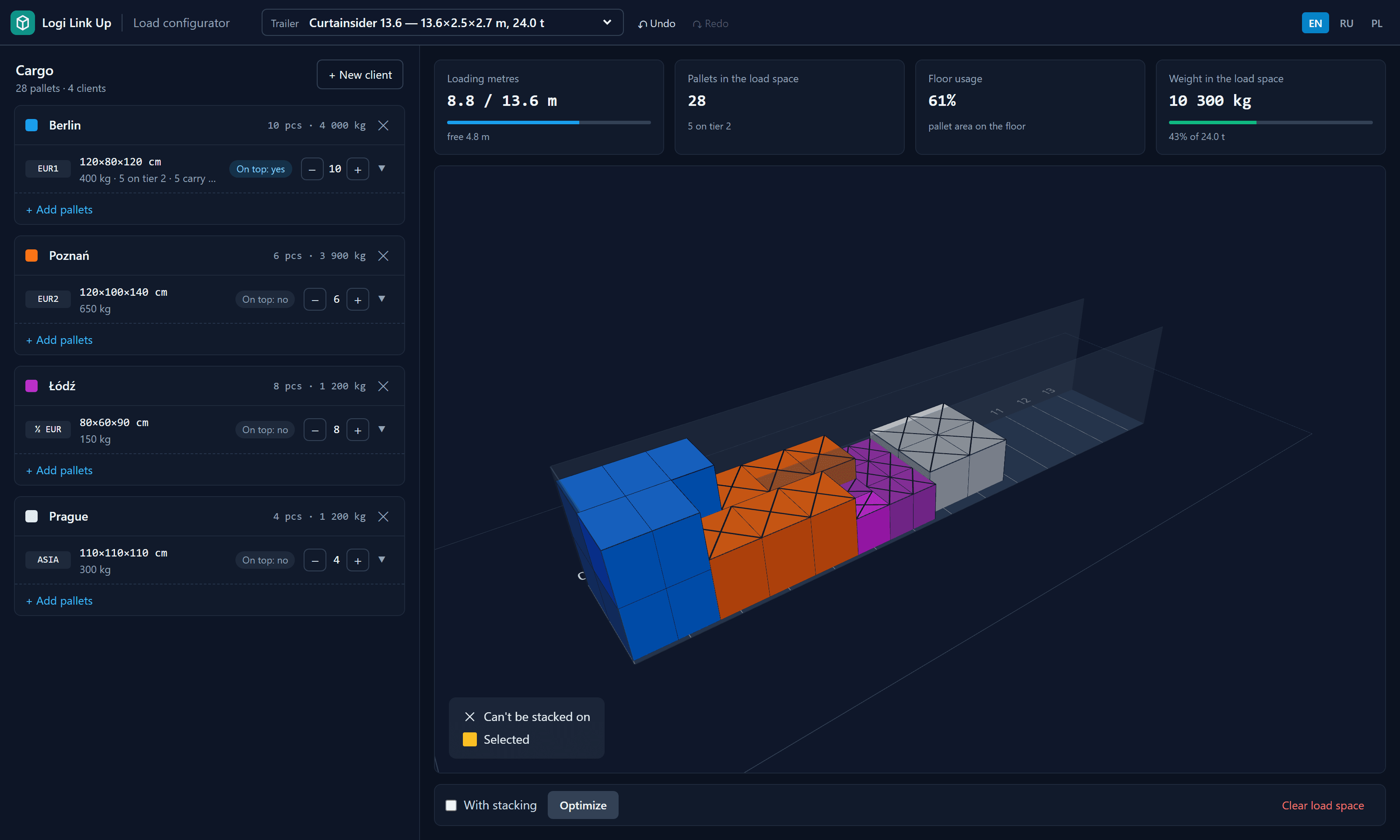
3D trailer configurator: four clients' pallets in different colours inside a 13.6 m curtainsider, with loading metres, pallet count, floor usage and weight above the scene
7
load spaces, from a 20′ container to a road train
6
pallet types, custom sizes included
2
tiers with stacking rules you set
How it works

From order list to load plan in three steps.

Built for the daily dispatcher question: is there still room for one more consignment?

01

Pick the load space

Curtainsider, mega, reefer, 40′ or 20′ container, or a road train. All sizes are internal.

02

Add clients and pallets

Pallet type, height, weight, whether load can go on top, quantity. Up to 200 pallets in one click, placed automatically.

03

Optimize and read the free metres

One click packs the load tighter, with or without stacking. You see the result before you apply it.

Features

Everything a groupage load plan needs.

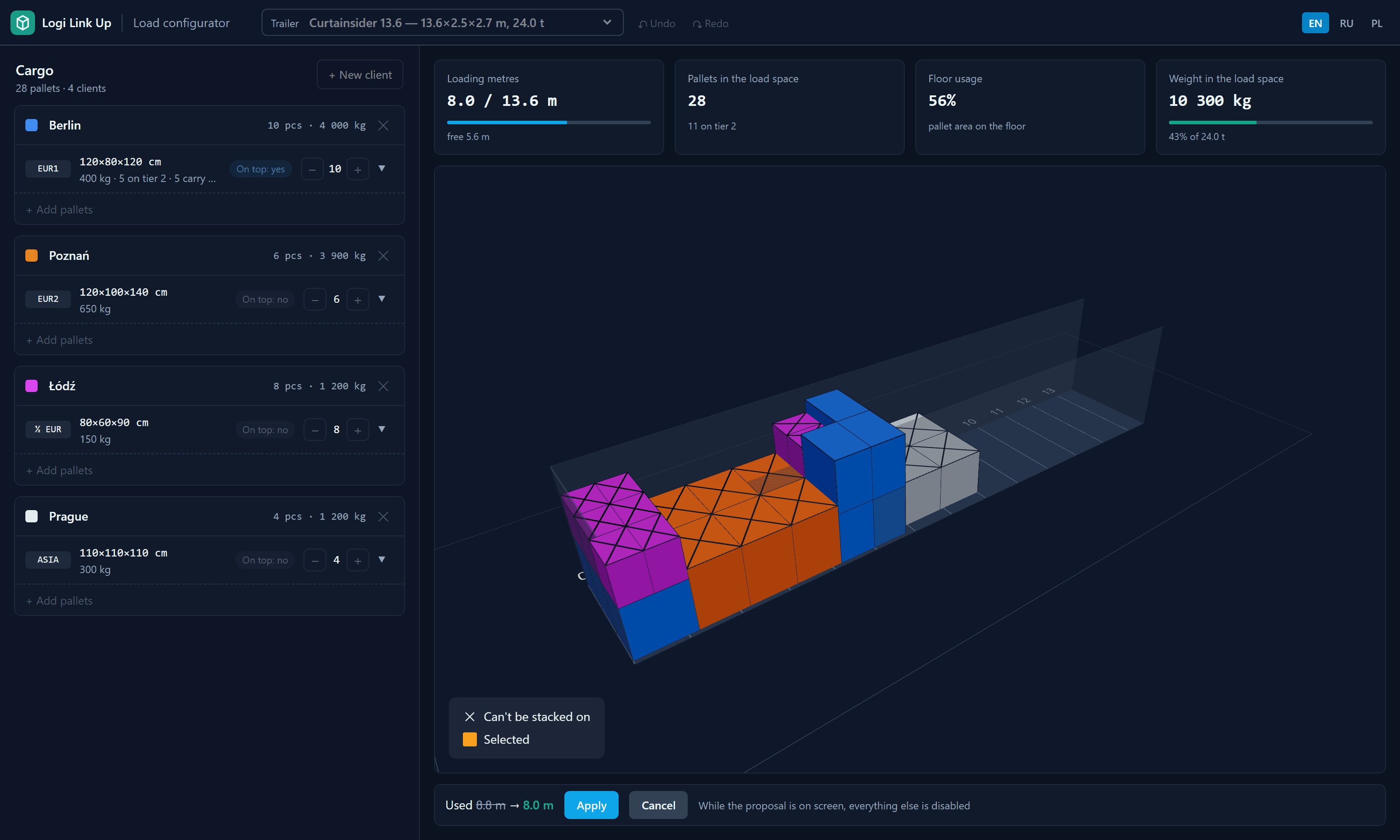
Optimization proposal with the loading metres before and after and Apply and Cancel buttons

Optimizer with a preview

Rearranges every pallet to take as few loading metres as possible and shows before and after. Nothing moves until you press Apply.

Four clients' pallets in four colours inside a curtainsider

Every client in its colour

See at a glance where each consignment stands, with pallet count and weight per client in the side panel.

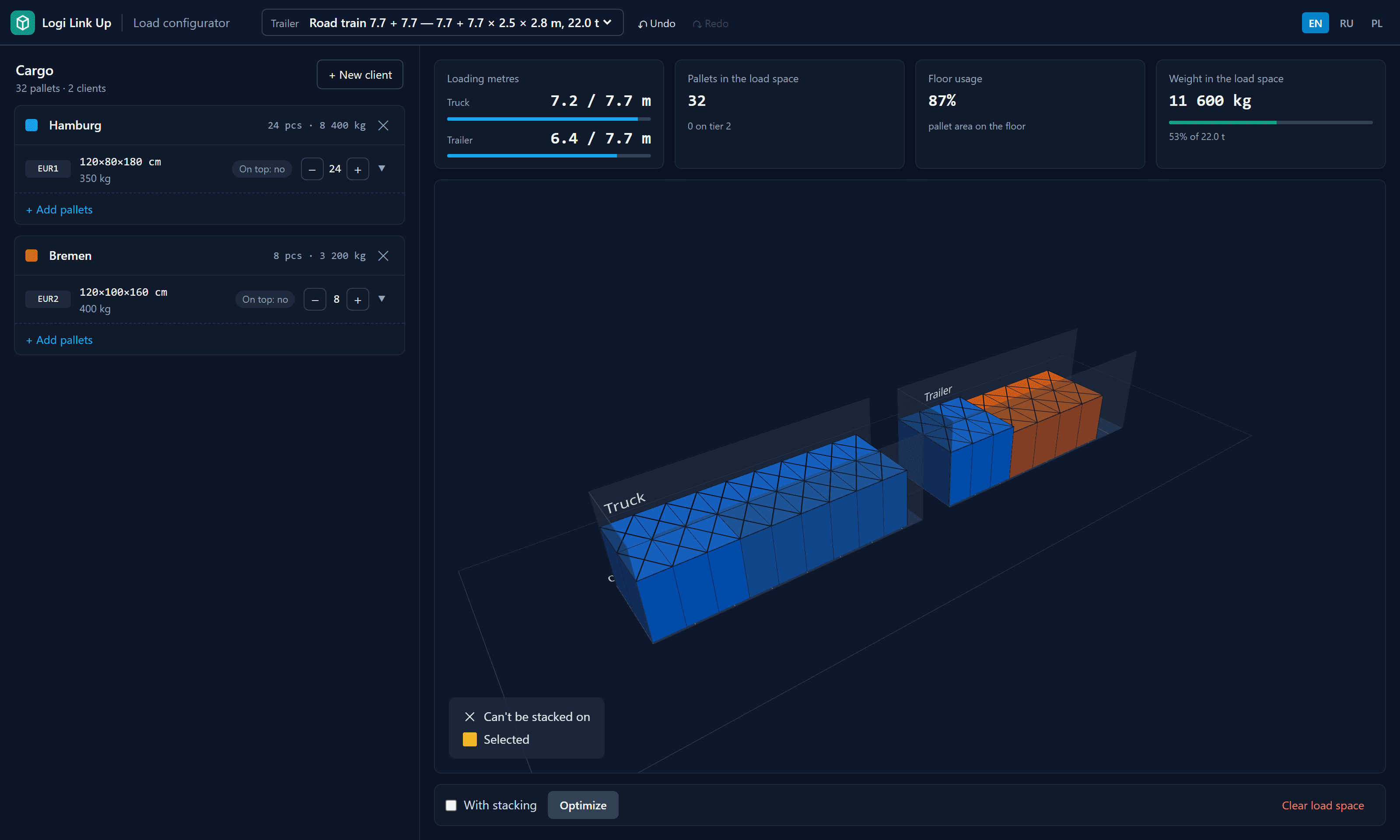
Road train with loading metres shown separately for the truck and the trailer

Road trains with two bodies

Truck and trailer are separate floors with a drawbar gap. Loading metres are shown for each.

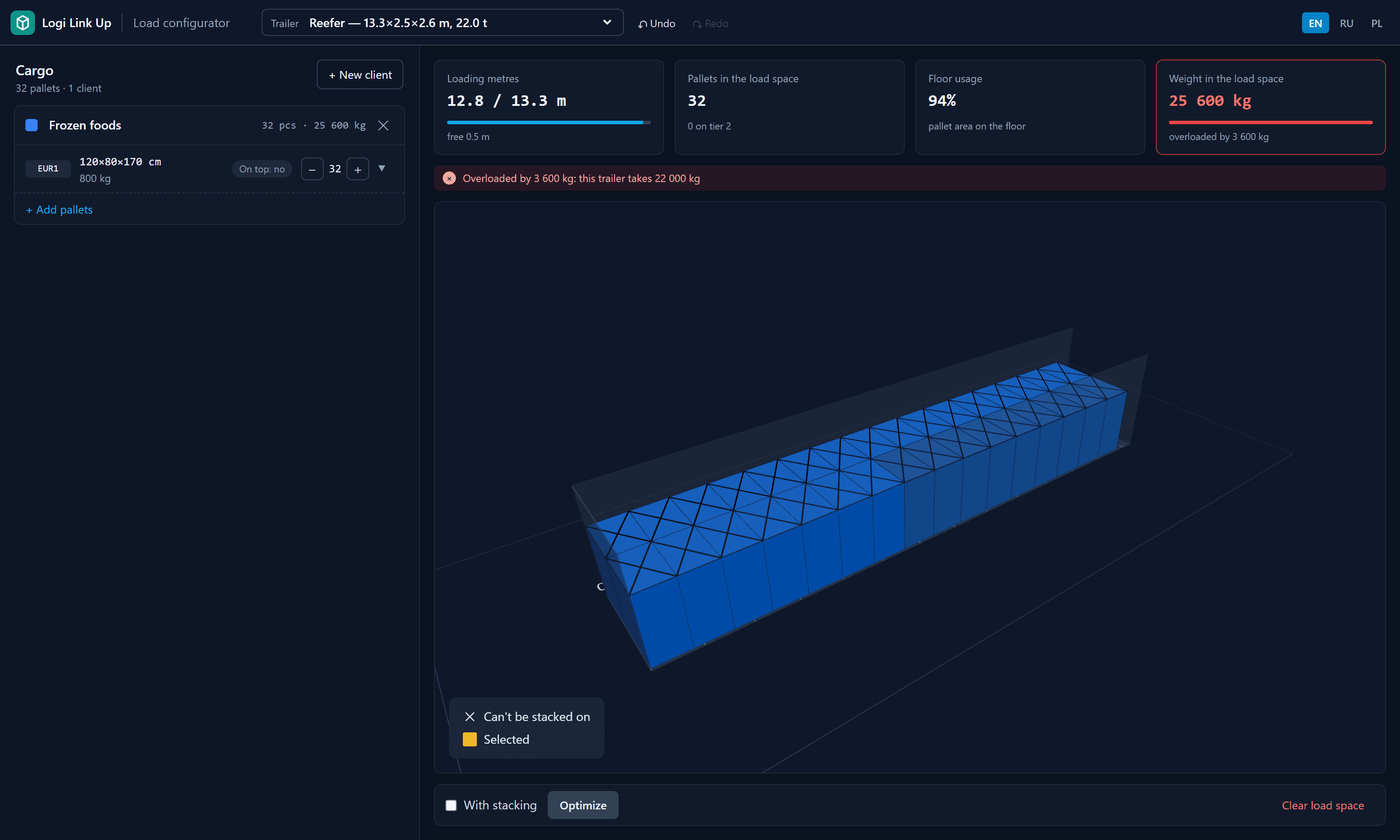
Reefer with an overload warning on the weight card

Overload and leftovers

The weight card turns red over the payload, and pallets that do not fit wait outside the trailer instead of disappearing.

Load spaces

Seven load spaces, internal dimensions.

EUR pallets on the floor in one tier. With stacking, the configurator puts a second tier on pallets that can carry it, within the internal height.

Load spaceInternal size (L × W × H)PayloadEUR pallets 120 × 80
Curtainsider 13.613.62 × 2.48 × 2.70 m24 t34
Mega (lowdeck)13.62 × 2.48 × 3.00 m24 t34
Reefer13.30 × 2.45 × 2.60 m22 t33
Container 40′ HC12.03 × 2.35 × 2.69 m26 t25
Container 20′5.90 × 2.35 × 2.39 m21.7 t11
Road train 7.7 + 7.72 × 7.70 × 2.45 × 2.80 m22 t19 + 19
Road train 8.2 + 7.28.20 + 7.20 × 2.45 × 2.80 m22 t20 + 18
How many pallets fit in a truck: loading metres explained →
FAQ

Questions dispatchers ask.

Yes. Open truck.logilinkup.com in the browser and start adding pallets — no account, no install.
As the occupied length of the load space: from the front wall to the farthest edge of the load. That is what decides whether the next consignment fits, and it is often longer than the sum of pallet LDM from the formula.
Enter them yourself. Besides EUR, industrial, half, GMA and Asian pallets there is a custom type where you enter the length and width yourself.
You decide per row whether load can go on top. Only those pallets carry a second tier, never more than two tiers, and never above the internal height.
No. It checks the total weight against the trailer's payload. Spread heavy pallets along the length when you load.

Plan your next load in 3D.

Add the pallets from your next groupage run and see how many metres are left. It takes a minute.